

Polaris has a two color LED on the front panel for status indication. In the factory programmed firmware the Green color shows connection status and network activity, while Red is used for power status and various information.
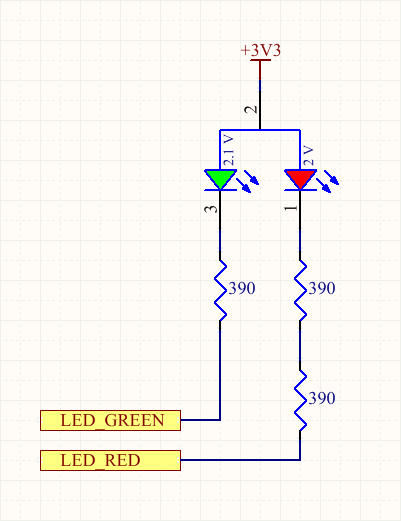
Using the LEDs
Here is an example Arduino sketch that cycles all three colors combinations:
void setup()

void loop()
Here is an example Zerynth code that does the same:
from fortebit.polaris import polaris

polaris.init()

while True:
    # Make a rainbow cycle
    polaris.ledRedOn()      # Red
    sleep(500)
    polaris.ledGreenOn()    # Yellow (Red + Green)
    sleep(500)
    polaris.ledRedOff()     # Green
    sleep(500)
    polaris.ledGreenOff()   # Off
    sleep(500)